One VPN for Both AI Acceleration and Global Streaming: TonBoVPN
AI tools have become a daily driver for a lot of people. But whether you can reach them smoothly and reliably often matters more than whether you can reach them at all — dropped sessions mid-task, constant node-hopping, and per-app config tweaks all add up to quiet, daily friction.
TonBoVPN gives you one app that covers both your AI access and your everyday browsing — eliminating the need to stack multiple tools for different use cases. This article walks through what the app does, who it suits, and how the free start and the paid data packs work, so you can judge whether it fits before you install anything.
At a Glance: Everyday Tools vs. an Optimized Workflow
| Feature Dimension | Standard VPN / Proxies | TonBoVPN All-in-One Solution |
| AI Tool Compatibility | Requires manual proxy rule tweaks; some traffic can leak outside the tunnel | Native TUN Mode captures traffic system-wide |
| Session Longevity | Often drops during heavy compilation or generation | Long-session optimization aimed at keeping tasks running |
| Streaming & Browsing | Limited nodes; often flagged by streaming platforms | 500+ Global Nodes for smoother global content access |
| Cross-Device Sync | Fragmented apps; separate logins required | Multi-Platform Support with a unified account |
1. AI Acceleration: Reach Global AI Platforms Smoothly
Many traditional personal proxies stop at basic web-layer routing. TonBoVPN is built to address the specific pain points of AI workflows.
-
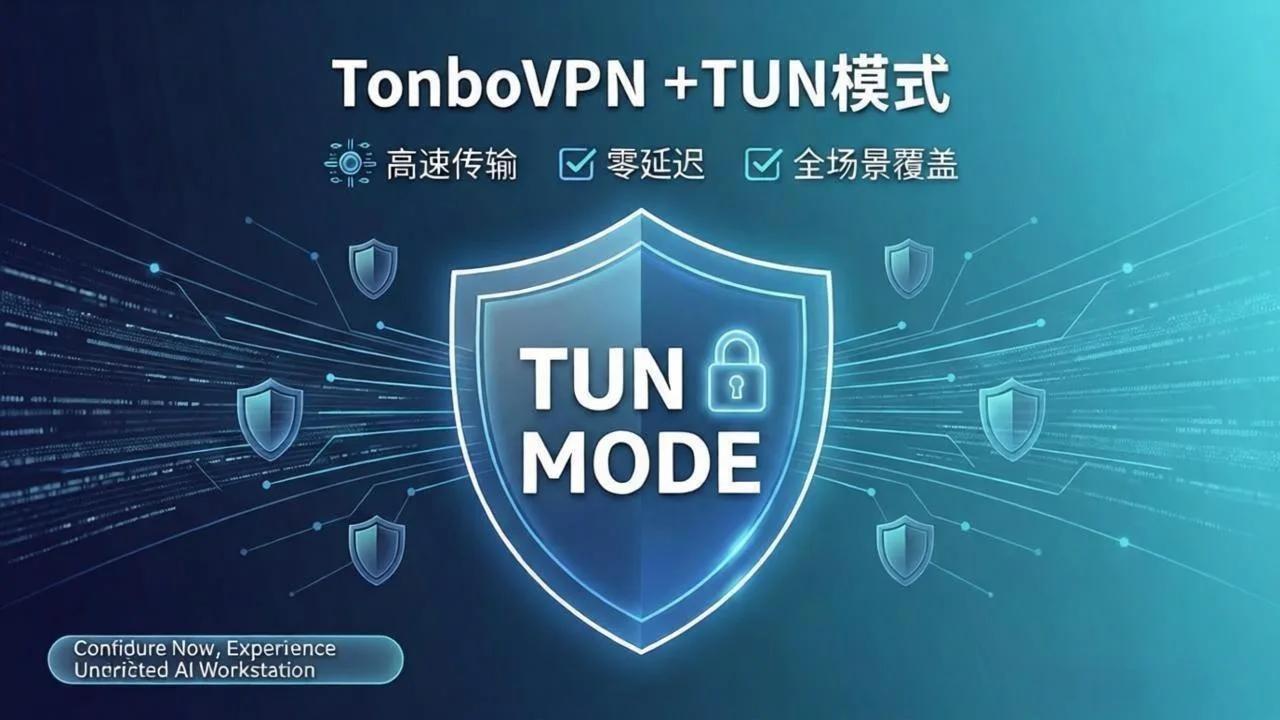
Native TUN Mode, Zero-Config and System-Wide
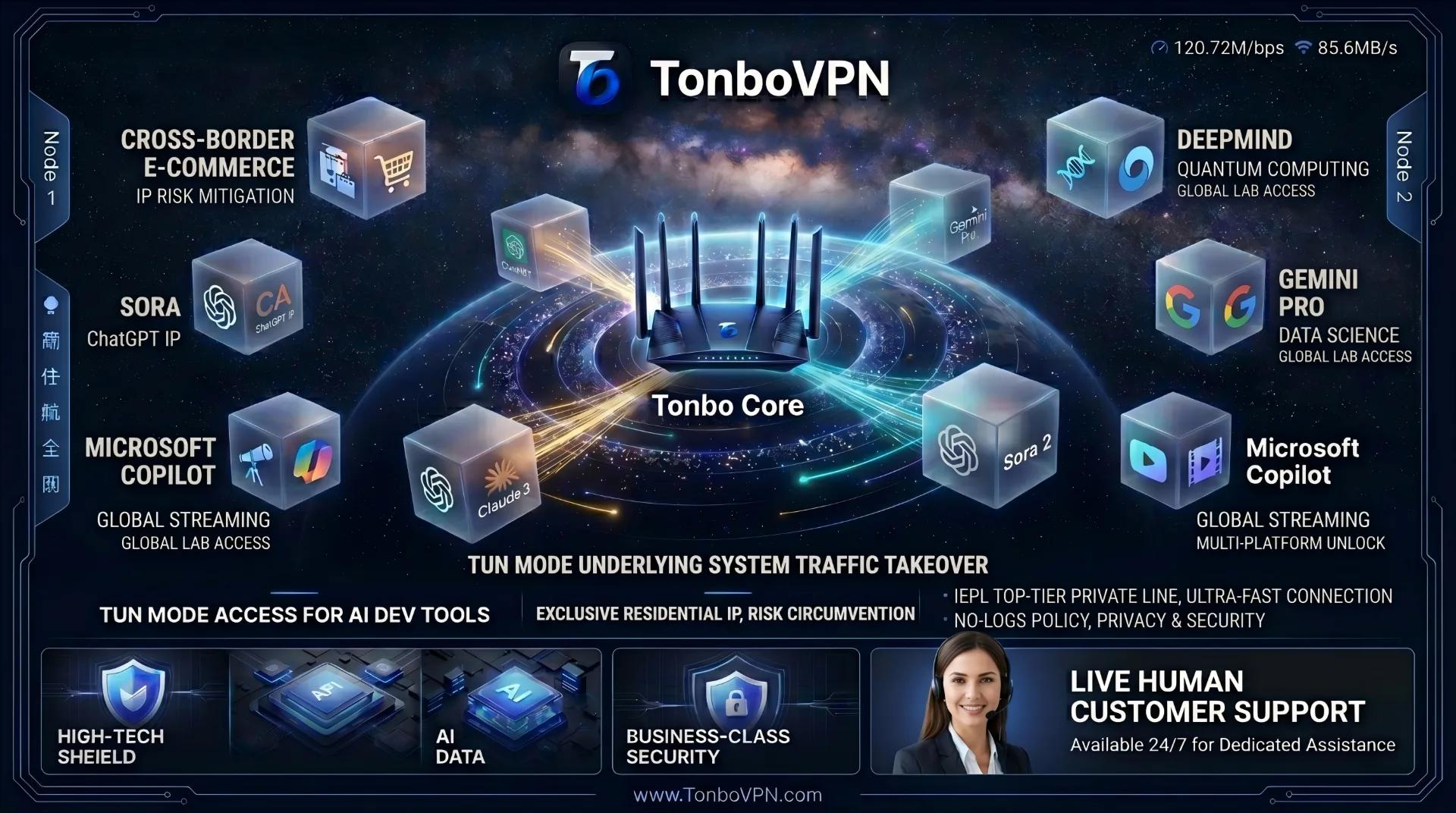
Traffic is captured at the system network layer (Layer 3). Whether you are using ChatGPT in your browser or executing AI calls directly from your terminal or IDE (such as Cursor or VS Code), your data routes through the accelerated channel. No more configuring per-tool environment variables or dealing with broken proxy rules.
-
Smart Routing with Low Latency
TonBoVPN dynamically picks better backbone nodes and paths for API and web endpoints like ChatGPT, Claude, and Gemini, cutting down stalls, spinning wheels, and request timeouts.
-
Long Sessions Hold Up
Generating long documents, running multi-turn programmatic chats, or executing heavy video generation tasks requires a persistent connection. TonBoVPN is optimized for these long-lived socket connections, making your background processes less likely to drop midway.
Pro-Tip: AI acceleration is just one pillar of the TonBoVPN ecosystem. If your day is mostly AI work, the same app already covers it, and you can use the free start below to test it on your own tools first.
What TUN mode changes in daily use
With a standard proxy, each application decides for itself whether to honor the proxy settings. A browser might, while a command-line tool, a background updater or an editor extension quietly connects directly. The result is a split picture: some of your requests travel one way, some another, and the failures look random. TUN mode removes that guesswork by capturing traffic at the operating-system level, so everything leaves through the same path whether or not the program knows about a proxy.
That matters most for people who mix tools. A developer might chat with an AI assistant in the browser, run a script that calls an API from the terminal, and keep an AI-enabled editor open in the background, all within the same hour. Having one switch that covers all three is simpler than maintaining three sets of settings.
2. Everyday VPN Features: All the Essentials, Built In
-
Global Streaming Access: Reach worldwide library variants on Netflix, YouTube, Disney+, and more with smoother connections. Availability varies by platform and region.
-
Privacy and Encryption: AES-256 encryption helps keep your credentials, private conversations, and payment details protected, even on public Wi-Fi networks at cafes, airports, or hotels.
-
Cross-Platform Sync: Native support for Windows, macOS, iOS, Android, and Linux, with one account across all your active devices.
-
More Nodes, Steady Speed: A network of 500+ global nodes working alongside smart routing supports load balancing for speed, throughput, and failover stability.
-
Free to Start: New users get 1GB of data at signup, a one-time gift with no card required and all nodes open for testing. Test the speed, feel the stability, and evaluate the interface before deciding whether to buy anything.
3. After the Free 1GB: Weekly, Monthly, Quarterly and Yearly Data Packs
Once the free 1GB is used up, you buy a data pack for the period that fits your usage. The longer the period, the lower the cost per GB. A pack is valid for the period you choose, and any data left unused when the period ends expires. Cards (Visa and MasterCard) and USDT are supported, and data is credited once payment succeeds.
| Pack | Data | Price (USD, October 2026 official price) | Roughly per GB |
| Weekly | 100GB | $2.99 | $0.030 |
| Monthly | 300GB | $4.99 | $0.017 |
| Quarterly | 900GB | $11.99 | $0.013 |
| Yearly | 4000GB | $43.99 | $0.011 |
Prices on the official site take precedence over this table, and the per-GB column is simple division of price by data. A dedicated IP, if you need one, is a separate purchase that sits alongside the data packs rather than being bundled into them; refunds are subject to the official terms of service and customer support, and dedicated IPs and nodes are not refundable.
How to choose a pack without overpaying
The yearly pack has the lowest cost per GB, but the data expires when the year ends, so a lower unit price only helps if you would actually use the volume. A more practical approach is to estimate your monthly usage first. If you travel for a short project or only need access for a few days, the weekly pack is enough. If you use the VPN most days for work, start with a monthly pack and look at how much you consumed after the first cycle. Once your usage is predictable, a quarterly or yearly pack makes sense.
Heavy video streaming, large downloads and long AI sessions that include images or video use data much faster than text chat. If your main use is text-based AI tools and web reading, a small pack goes a long way; if you stream in high quality every evening, plan for a larger one.
4. Who It's For
-
The Modern Professional: Anyone who relies on ChatGPT, Claude, or Gemini daily and needs steadier, lower-friction access.
-
The Digital Nomad: People who want smooth worldwide streaming access while keeping their traffic encrypted on public networks.
-
The Power User: Anyone constantly switching between a laptop, phone, and tablet who wants a single account that works everywhere.
-
The Pragmatist: Users who prefer a no-card, zero-commitment trial to verify performance before buying a pack as their data needs grow.
FAQ
Q1: How does the free start work?
New users receive 1GB of data when they sign up. It is a one-time gift, needs no payment card, and works across all nodes. When it runs out, you can keep going by buying a weekly, monthly, quarterly or yearly data pack.
Q2: Is 1GB enough to try it?
It is usually plenty for checking how the app behaves: short text conversations with AI tools, reading documentation, and testing connection stability. If your workflow involves frequent image or video generation, heavy codebase parsing, or a long-lived terminal tunnel, 1GB will go faster and a data pack will be a better fit.
Q3: Why the emphasis on TUN mode?
TUN mode captures traffic at the system network layer. This avoids the inconsistencies common with standard HTTP/SOCKS proxies, where some desktop apps obey the proxy settings while background system tools or terminal commands go direct. TUN mode keeps both your AI stack and everyday apps on the same path.
Q4: What happens to unused data when a pack ends?
A pack is valid only for the period you bought. Data left over when that period ends expires and does not carry into the next one, which is why choosing a period that matches your real usage matters more than chasing the lowest unit price.
Q5: Can I invite friends?
Yes. When a friend signs up, you each receive $1 of balance. When that friend makes a first data pack purchase, the inviter receives 20% of the order amount; renewals and later purchases do not earn commission. Balance can only be used to buy data packs on the site and cannot be withdrawn.
Visit the TonBoVPN official website to start with 1GB free: one app for both AI work and your daily internet.