🚀Stop Letting Browser-Level Proxies Cripple Your IDE: Why Native TUN Mode Is Real AI Infrastructure
You've probably gotten used to calling Claude, GPT, Gemini, and other models straight from Cursor, VS Code, the terminal, or a local Python script to write code and run automations. But when you set up networking to work across borders, most developers hit the same hidden trap:
Your browser reaches the AI provider just fine—yet the moment you switch to Cursor's chat box, run a curl in the terminal, or let an AI agent execute a multi-step task, you start seeing 400 Bad Request, 403 Forbidden, ETIMEDOUT, or a session that hangs on Reconnecting… until it dies.
The usual reaction is to swap nodes, refresh repeatedly, or start editing http.proxy in your IDE. But this is rarely a node-quality problem. More often, the proxy technology itself is leaking traffic at a layer you can't see. The real fix is a VPN with a genuine, built-in TUN mode—a different category from tools that rely on browser plugins or application-layer redirection.
🛑 The Weak Spot in Traditional VPNs: Application-Layer (System) Proxies
Most consumer network tools route traffic through an application-layer proxy (Layer 7 system proxy, HTTP / SOCKS5). For heavy AI development, that design has three hard limitations.
1️⃣ Terminals and low-level scripts don't read the system proxy
Your browser reads the system proxy automatically. The macOS Terminal, Windows PowerShell, or a script making a requests.get call generally do not. That creates the classic split: "the browser connects, but the terminal runs exposed." You end up manually adding export HTTP_PROXY to .bashrc or .zshrc—and the moment you change a port or close the app, your whole dev environment throws errors.
2️⃣Fingerprint mismatches and DNS leaks inside the IDE
AI-first editors like Cursor run a stack of background services—inline completion models, an MCP server for multi-file retrieval, a remote tunnel for terminal execution. A system proxy often captures only the top-level HTTP requests and misses the raw-socket connections the IDE's backend opens at high frequency. That's a common source of DNS and WebRTC leaks.
To a provider's risk engine, this looks contradictory: your editor claims to be on the US West Coast through the proxy while leaking a real Asian IP underneath. That kind of fingerprint mismatch is a strong risk signal—it can lead to silent rate-limiting or quality degradation on premium accounts, and in worse cases, linked account suspensions.
3️⃣ HTTP/2 multiplexing deadlocks under streaming load
Modern models lean on HTTP/2 and HTTP/3 to stream long outputs fast. Application-layer proxies tend to drop packets or reorder them when handling these high-concurrency, long-lived streams (server-sent events). That's why your assistant is fine in short chats but stalls the moment you push it into agent mode across a dozen files—forcing you to keep clicking Continue.
🛡️ What "Native, Built-In TUN Mode" Actually Means
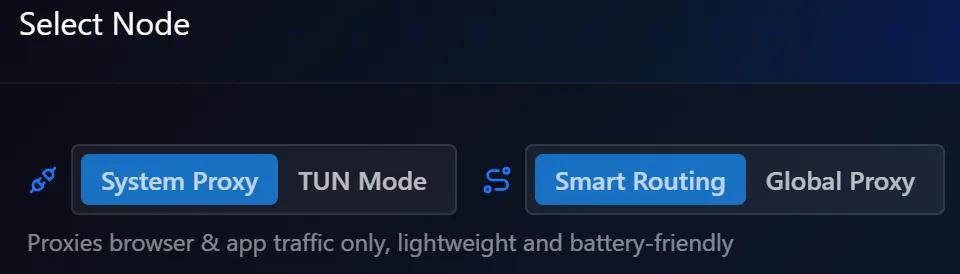
TonboVPN was built around native, in-kernel TUN mode from day one—not as a switch bolted on afterward.
🧠 How a Layer 3 virtual-NIC tunnel works
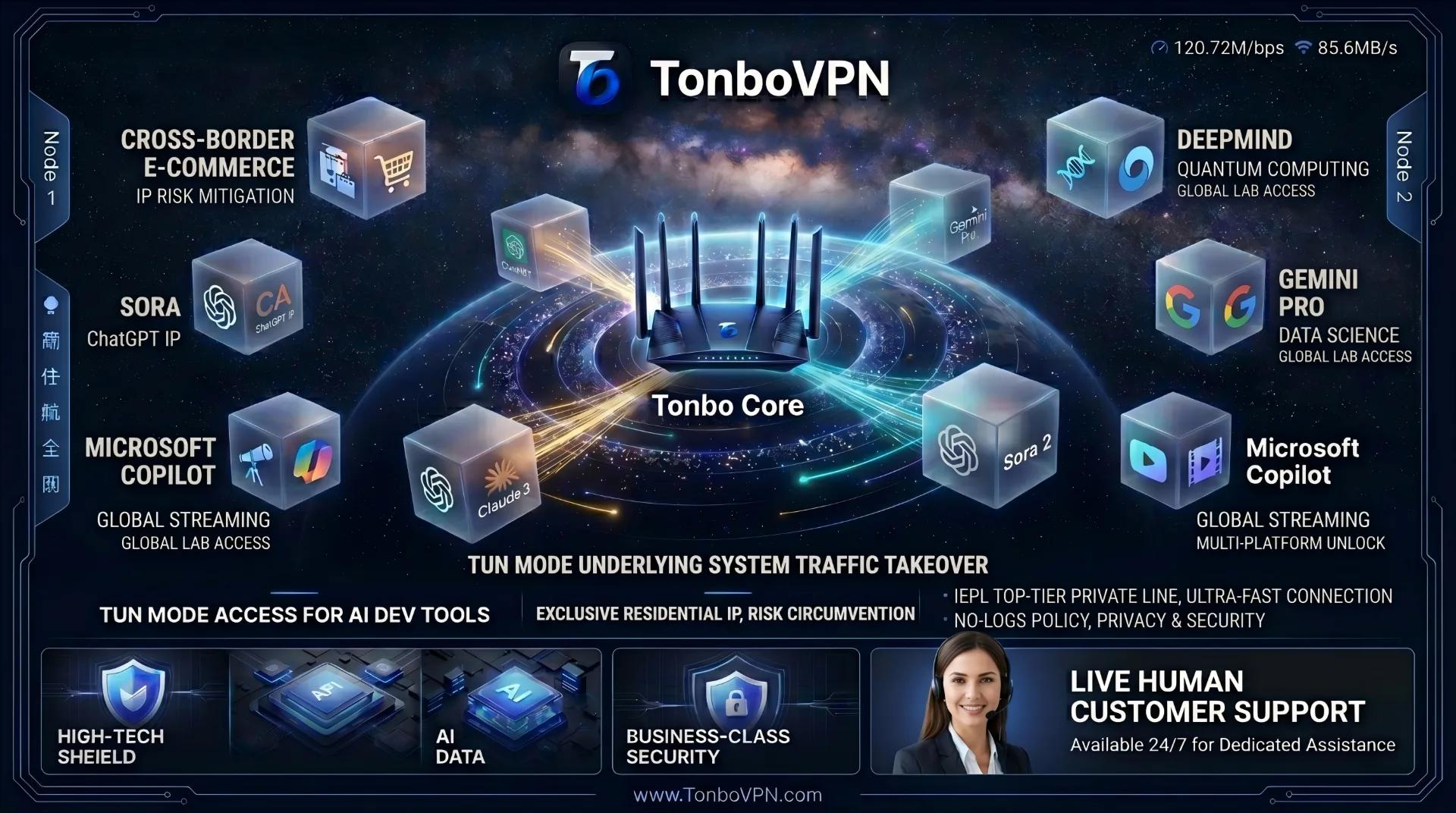
When you enable TUN mode, TonboVPN doesn't touch your registry or your browser proxy settings. It creates a virtual network interface (vNIC) at the kernel level. As far as your operating system's routing table is concerned, that interface becomes the first exit for all network traffic on the machine.
[ All system traffic ]
       │
       ▼  Captured at the network layer (Layer 3)
┌──────────────────────────────────────────────┐
│  TonboVPN kernel-level TUN adapter             │
│  (transparent · no configuration required)     │
└──────────────────────────────────────────────┘
       │
       ▼  Encrypted tunnel
┌──────────────────────────────────────────────┐
│  Cross-border IEPL line ─► high-reputation     │
│  overseas residential / commercial IP pool      │
└──────────────────────────────────────────────┘
That architecture delivers three things application-layer proxies can't match.
-
Transparent, zero-config, everywhere. No
export proxyin your terminal, no proxy paths insettings.json, no disabling HTTP/2 compatibility. Cursor's agent, the terminal, Git pushes, Docker pulls, evennpmandpipinstalls—every packet leaving the machine is routed into the encrypted tunnel automatically. -
DNS leaks closed at Layer 3. TUN mode handles DNS resolution over encrypted transport (DNS over HTTPS / TLS) and keeps your machine's fingerprint inside a clean network sandbox. To risk engines at Google, Anthropic, and others, your requests present a consistent overseas residential profile—substantially reducing the risk of black-box flags and suspensions caused by leaked traffic.
-
Steady HTTP/2 streaming for long outputs. With the native TUN adapter paired to a dedicated cross-border IEPL line, traffic bypasses public-internet congestion. Under heavy token-by-token streaming, packets are sorted and forwarded at the adapter level, so high-concurrency connections are far less likely to stall or retry—keeping AI agents responsive during large multi-file refactors.
📊 Head-to-Head: TonboVPN Native TUN Mode vs Traditional Proxies
| Dimension | TonboVPN Kernel-Level TUN | System Proxy (Layer 7) | Global Proxy Mode (Layer 7) |
|---|---|---|---|
| Network layer | 🚀 Layer 3, kernel-level virtual NIC | 🔴 Layer 7, relies on apps reading settings | 🔴 Layer 7, only rewrites system globals |
| Terminal / shell | 🟢 Native, config-free; curl/git/scripts auto-routed | 🔴 Exposed by default; needs manual export http_proxy | 🔴 Exposed; terminal still can't auto-detect |
| AI editors (Cursor / VS Code / Claude Code) | 🟢 All backend services covered; MCP & inline completion work | 🔴 Frequent drops; HTTP/2 multiplexing deadlocks | 🔴 High packet loss; streaming (SSE) often breaks |
| Leak protection (DNS / WebRTC) | 🟢 Whole-machine sandbox; blocks real-IP exposure | 🔴 Prone to DNS leaks revealing true location | 🔴 Some raw sockets still hit the public net |
| Provider risk handling (ChatGPT / Claude / Gemini) | 🟢 Fingerprint aligned to local broadband; fewer flags | 🔴 Easily flagged for fingerprint mismatch | 🔴 IP-pollution triggers Access Denied |
| High-concurrency scripts (Python / Node / Docker) | 🟢 Fast from launch; image & package pulls full-speed | 🔴 Must hard-code proxy ports in code | 🔴 Poor compatibility with parallel requests |
| Maintenance overhead | ✨ Connect on boot, no fuss | 🛠️ Constant config and port edits | 🛠️ Frequent manual rule switching |
✅ The Time Math: A Tool Built for Real Productivity
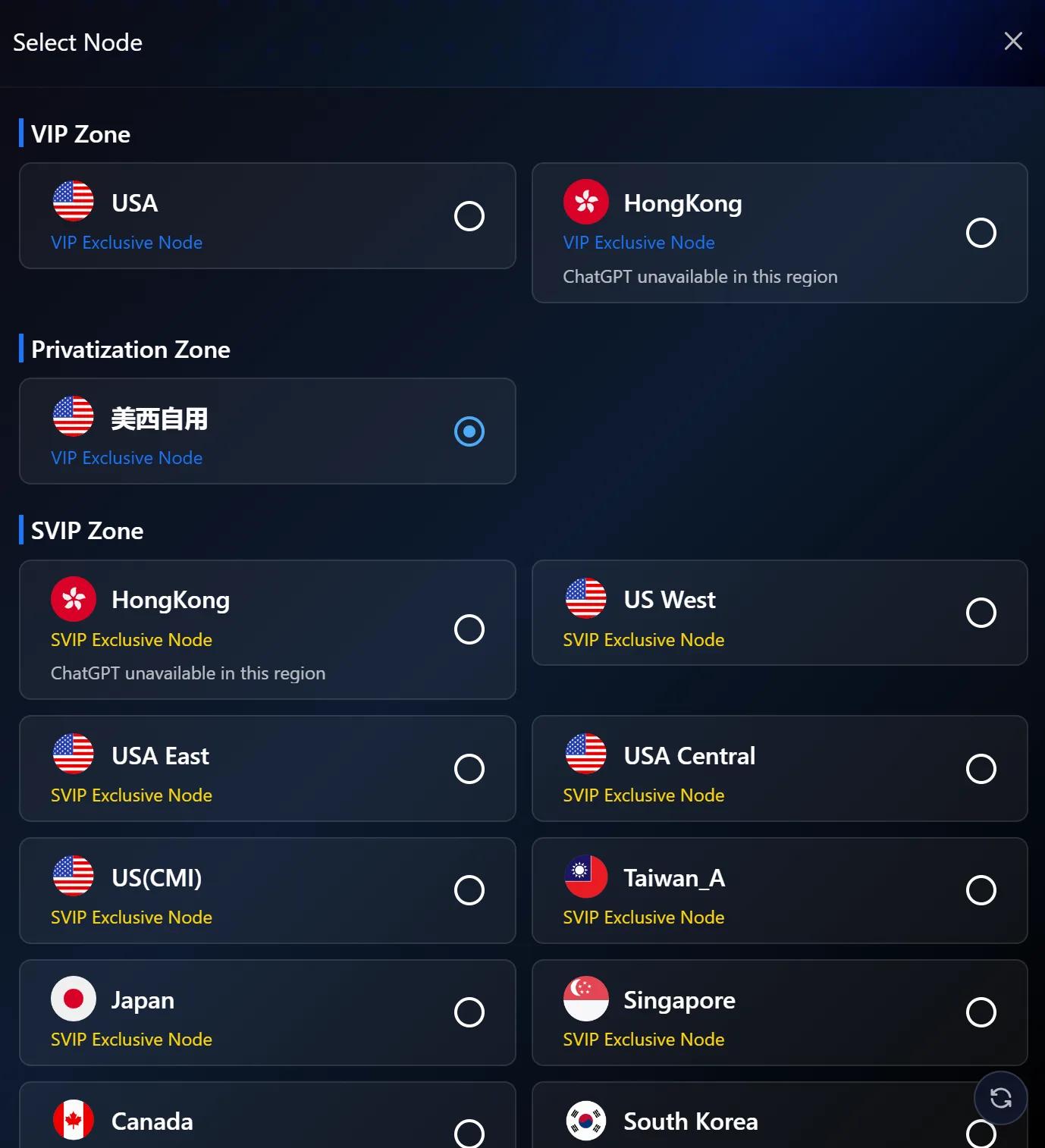
The Time Math: A Tool Built for Real Productivity
For developers, IT teams, and cross-border professionals who've folded AI into daily work, time is the expensive resource. Spending half an hour a day untangling dropped terminals, chasing down 403 Forbidden errors from leaked proxy traffic, or appealing a wrongly suspended AI account is the most wasteful way to spend it.
Not every accelerator can operate at the kernel, and a toggle alone doesn't make something "TUN mode." TonboVPN uses native, network-layer virtual-NIC technology to quietly absorb the networking and risk-control headaches you shouldn't have to think about—giving you a config-free, boot-and-go workstation for global AI work.
FAQ
Why use TUN mode instead of a regular proxy? A system proxy works at the application layer (Layer 7), and terminals, scripts, and IDE background services often don't read it—causing the "browser works, terminal exposed" split and DNS leaks. TUN mode works at the network layer (Layer 3), capturing all machine traffic through a virtual NIC, so there's nothing to configure per app.
How do I use a TUN mode VPN on Mac? The TonboVPN client ships with a native TUN driver. On macOS it creates a virtual NIC at the kernel level once enabled, so Terminal, Git, pip/npm, and Docker route automatically—no need to set HTTP_PROXY environment variables.
Cursor or VS Code keeps hitting 403 and disconnecting—how do I fix it? Usually the IDE's backend raw-socket connections aren't captured by the system proxy, causing fingerprint mismatches and broken HTTP/2 streams. Routing all Layer 3 traffic through native TUN mode puts every connection on the same clean tunnel, sharply cutting 403 errors and disconnects.
Does enabling TUN mode require editing config files? No. No export proxy, no settings.json changes—connect once and it applies to the whole machine.
👉 Visit the TonboVPN website to enable kernel-level native TUN acceleration and unlock your full AI productivity.