🚀 Everyone is Using Gemini. Why is Theirs So Much Smarter Than Yours?
Have you noticed lately that Gemini is starting to act like a quiet-quitting corporate slacker?
In the exact same thread, it starts off sharp, delivering beautifully structured architectural analyses. But after a few rounds of prompting, it shifts into full-on slacker mode—either looping the same generic arguments or throwing back absolute platitudes. It behaves exactly like a student who crammed by memorizing the answer key, only to freeze up when the exam twists the wording just a tiny bit.
Even stranger: when you finally lose your patience, switch your network node, and ask again, it suddenly snaps out of it and turns back into an absolute genius.
Most people's immediate reaction is: Did Google secretly nerf the model again?
You’re half right. Google is pulling strings behind the scenes—but the actual mechanism is far more hidden, and far more frustrating for premium power users.
🛑 The Stealth System Prompt Leak: Google's "Good Enough" Shackle
Recently, a massive revelation hit the developer community (on tech forums like Linux.do) when engineers reverse-engineered the internal runtime logic of the Gemini web client. What they found left power users speechless.
Researchers discovered that Google has been quietly injecting a hidden System Prompt at the root of the official web interface. Translated to its technical core, it tells the model: “Keep answers brief and efficient. Don't over-allocate reasoning. Conserve compute resources.”
When developers extracted this hidden constraint and ran identical comparative tests inside the developer-facing AI Studio, the results were staggering: Simply by deleting this single "compute shackle," Gemini 2.5 Flash's deep reasoning performance immediately matched or outperformed an un-tweaked 2.5 Pro on the web interface.
This explains why AI power users are constantly shouting in forums that the web and app versions of Gemini are practically crippled, and that true productivity only lives inside AI Studio. They share the same name, but run on entirely different chains.
The tech community currently ranks access methods by raw compute quality as follows:
AI Studio > Gemini CLI > Web Interface & Official Apps
Unfortunately, most everyday users are stuck utilizing the heavily throttled web tier.
🧠 Hidden "Dynamic Routing": Fast Platitudes are a Throttling Signal
Beyond hidden prompt constraints, Google runs an even more ruthless commercial cost-cutting mechanism: the Dynamic Routing System paired with strict Reasoning Budget Management.
In 2026, the compute overhead for high-quality LLM reasoning is astronomically high, forcing tech giants to penny-pinch. When you input a complex codebase or a massive prompt, the backend acts like a restaurant kitchen sorting tickets:
The kitchen is staffed by a Head Chef (Full-fledged Pro), a Line Cook (Throttled Pro), and a Kitchen Helper (Flash). Everything on the menu is labeled as a "Signature Dish" and costs the same, but who actually cooks your plate is entirely determined by a hidden backend assessment—and you get zero notification.
Even if your prompt manages to hit a Pro-tier model, the system can dynamically compress your "Thinking Time." When public network resources spike, the model skips deep Chains of Thought (CoT), ditches process analysis, and instantly blabs out a conclusion.
⚠️ Counter-Intuitive Technical Signal: > More often than not, the hallmark of a nerfed model isn't that it gets slower—it's that it gets faster. Brilliant answers take time because they are executing deep compute pipelines. A split-second regurgitation of platitudes means the model didn't even "think." An unnaturally fast response speed is usually a signal of silent degradation, not progress.
In recent canary deployments, developers spotted Gemini 3 Pro being quietly bifurcated behind the scenes into gemini-3-pro-high (the full-fat version) and gemini-3-pro-preview (the heavily quantized version). Accounts flagged with "low-value" metrics are being silently rolled into these compromised preview branches without a single popup warning.
You think it's a model anomaly; in reality, your backend brain was just swapped for a cheaper model.
🌐 The Ultimate Truth: A High-Risk IP Makes You a "Second-Class Citizen"
So, how does Google's backend decide who gets full-fat compute and who gets relegated to the stripped-down preview branch?
The primary metric points straight to your IP Reputation.
This has been verified through exhaustive testing in tech circles. Gemini runs an aggressive, real-time IP Reputation Model in the background. When auditing your network fingerprint, it looks at incredibly fine-grained vectors:
-
Is this IP a high-reputation residential line (ISP) or a cheap data center node?
-
Is this exit node currently being hammered and cross-logged by hundreds of accounts simultaneously?
If your node's reputation score is compromised, Gemini won't lock you out with a blunt ban. Instead, it silently lowers its service expectations for your session, routing all your requests to the cheapest, most heavily cropped Preview path.
To put it bluntly: If your IP is dirty, you are flagged as a low-value user, given an invisible discount on compute, and capped on intelligence.
This is exactly why so many developers notice their AI models getting noticeably dumber over crowded VPNs or cheap proxy networks. The issue isn't the use of a VPN; it's that your node has been thoroughly burned into a high-risk blacklist category.
📝 The Blueprint: How to Drop the Chains and Unleash Full-Fat Gemini
Now that we understand Google's compute ledger, reclaiming your unthrottled AI experience comes down to three pure architectural steps:
1️⃣ Lock Down Pristine Business-Class / Residential Dedicated Nodes
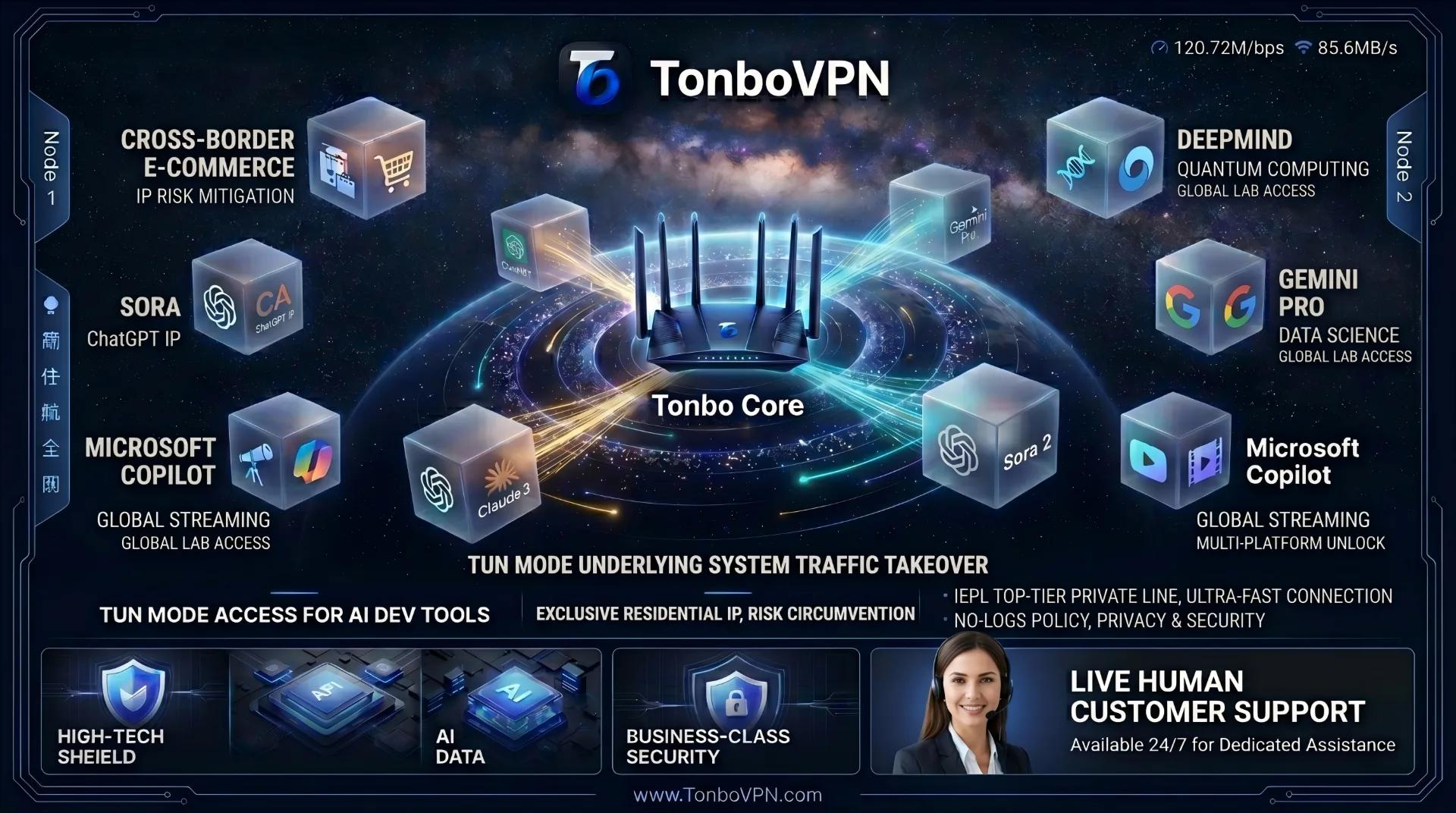
TonboVPN channels its core infrastructure budget into expanding and maintaining highly secure, clean IP pools. We completely reject the use of cheap data center blocks that instantly trigger risk profiling. Through intelligent, dynamic routing, we ensure your exit node mirrors the exact behavioral profile of a clean, local residential line. When your risk score hits zero, Gemini naturally categorizes you as a high-value user, unlocking the premium, unthrottled reasoning paths on their end.
2️⃣ Activate Kernel-Level TUN Mode to Prevent Leakage
Gemini's web interface and APIs (when invoked in development environments like Cursor, VS Code, or Claude Code) constantly ping local network artifacts. If you are relying on basic browser-level proxy extensions, you are highly susceptible to DNS Leaks or WebRTC exposure. Your browser might claim it's in California, but your local network sockets are yelling your actual location. Enable TonboVPN’s proprietary, built-in Kernel-Level TUN Mode (Layer 3). This forces a system-wide virtual network interface card (vNIC) to take over all network layer traffic, locking down your network sandbox and stopping the discrepancies that trigger silent downgrades.
3️⃣ Stick to Core Hubs and Stop Node Drifting
While interacting with heavy models, pin your location to premium nodes like US West, Japan, or Singapore, and stop hopping countries mid-session. If a current thread suddenly begins throwing out generic answers, your session context has likely been poisoned by a dynamic routing downgrade. The solution isn't to hit refresh; it's to open a "New Chat" or completely flush the thread cache in your Gemini Manager. For a persistent nerf, log out of your Google account, clear your browser storage, and log back in to fully reset your user profile.
✅ The Takeaway
In 2026, compute is the most expensive digital asset on earth. Multi-user account splitting + burnt shared nodes + raw DNS leaks = an instant AI lobotomy.
When you notice Gemini slacking off, throwing 400 Bad Request/403 Forbidden errors, or hitting regional walls in your terminal, IDE, or Cursor workflows, don't waste time troubleshooting blindly. Use these three core overrides:
-
Override 1: Cross-Verify Using Premium Hubs TonboVPN features optimized protocols tailored specifically for elite AI hubs across the US, Japan, Singapore, Hong Kong, Taiwan, the UK, Germany, and South Korea. If a node feels throttled, bounce to an alternate dedicated专线 hub to force the backend to re-evaluate your IP trust and assign the full-fat
highroute. -
Override 2: Flush Poisoned Contexts Treat "Something went wrong" errors as session deadlocks, not network drops. Instantly spin up a clean thread or hard-reset your profile via an account re-login to wipe the low-budget backend flag.
-
Override 3: Enforce Layer 3 Isolations For API developers, ensure TUN Mode is fully active in your TonboVPN client to guarantee your shell terminals, Python scripts, and IDE extensions run natively through the encrypted tunnel. Simultaneously kill your device's hardware location permissions and clear cookies to wipe geo-location conflicts instantly.
Stop letting crowded, low-tier nodes waste your expensive premium AI subscriptions and invaluable engineering hours. Put your trust in an industrial-grade infrastructure built for the AI era. With elite IEPL private lines and ultra-pure IP nodes, TonboVPN strips away the compute shackles—keeping your workstation running at maximum intelligence, every single session.
👉 Visit the Official TonboVPN Website to deploy your professional-grade connection. It’s not just a proxy; it’s a borderless workstation built for your AI ecosystem.